Student Portal
The Mybor Student Portal is where students can go to view their student profile, which will include their timetable, behaviour codes and other important information.
Student Portal
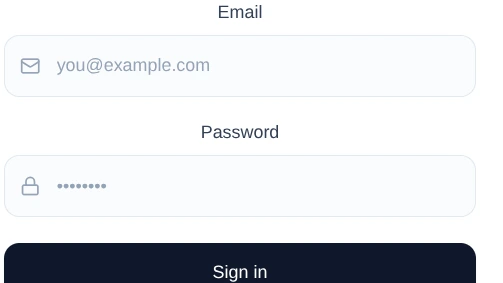
Mybor student is our new portal for students and empowers a lovely app and also an amazing web portal for all students in Mides Academy click the Go button to go there now.
Mybor Dashboard
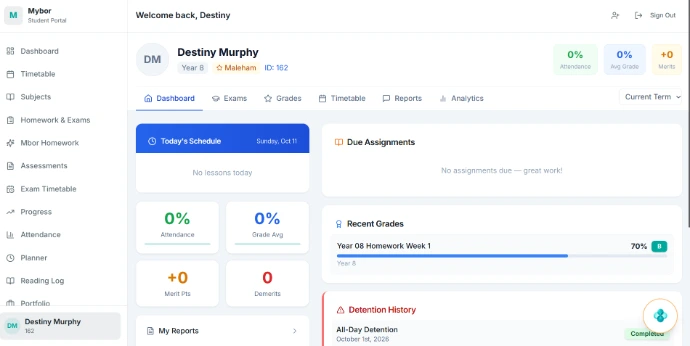
The first page you will see is your Mybor Dashboard, once you have logged in. You can access all the areas of the Student Portal from your Mybor Dashboard.
Using the menu at the top, you will be able to access your calendar (student timetable)
Calendar
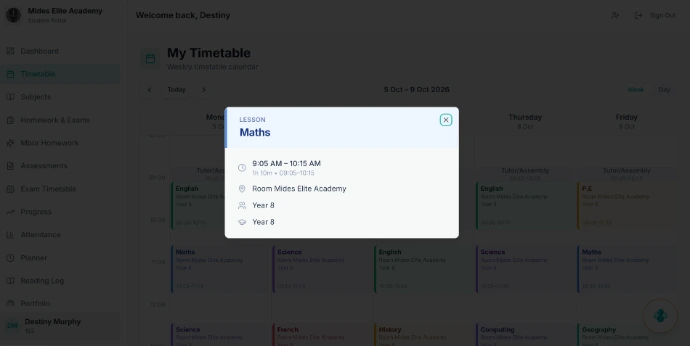
In the calendar section you can view your last and next event/lesson. You can see the events/lessons you have coming up for the day and also the room in which they will take place.
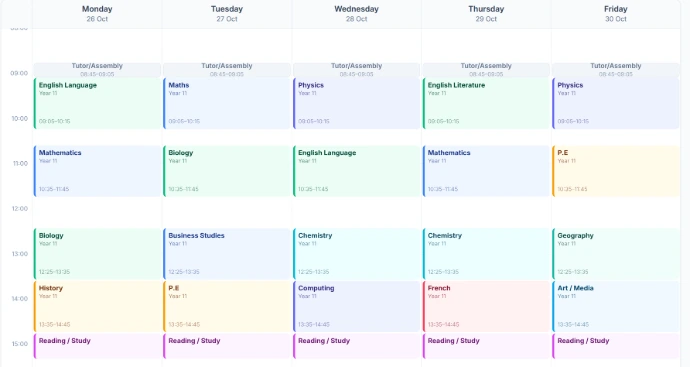
View full student calendar
To view your full student timetable go to:
More > Calendar
To change the date, click on the Calendar icon and see what is coming up by skipping ahead, or use the filter buttons to view today, this week or this month.
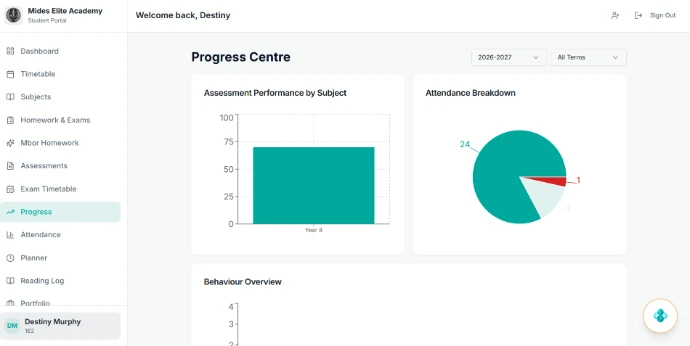
Statistic
On the Class page, you can see your attendance, and how many behaviour points you have been awarded
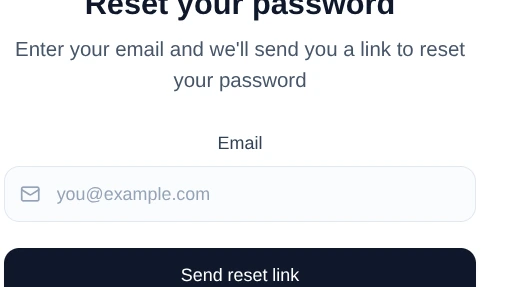
Reset Password
To reset your password go to:
My Account > Change Password
You can see your current username and password. Click to change the password you will use when you next sign in to Mybor